Problem: You want to display a dialog
Problem: You want to display a dialog.
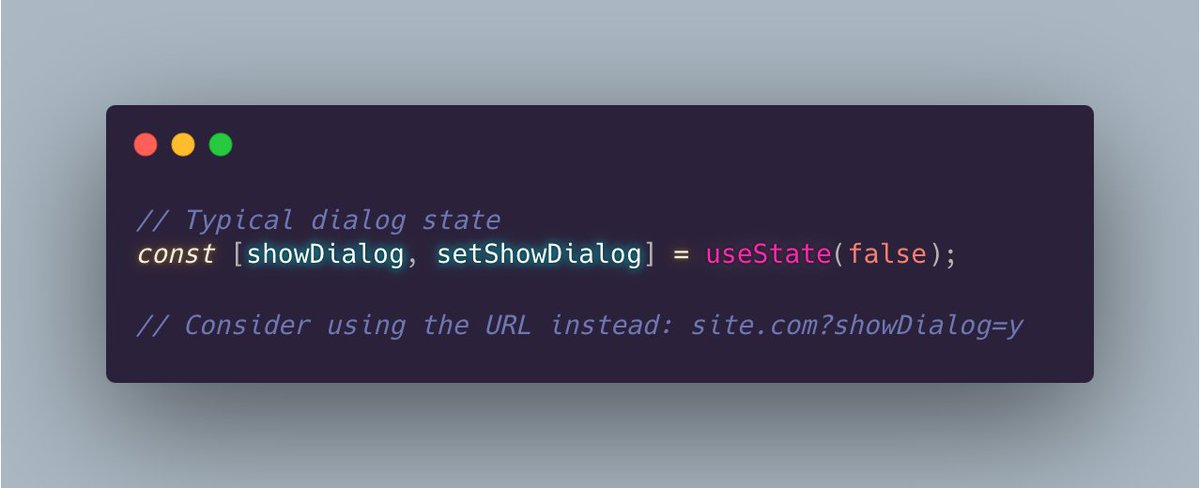
Common solution: Use state to track the dialog's visibility.
Alternative solution: Consider using a URL search parameter instead.
Benefits:
✅ Users can bookmark or share a link to the open dialog.
✅ If a dialog represents a unique location, it probably warrants a unique URL.
✅ You can use a plain anchor to open the dialog. Semantically, an <a> is the proper semantic tag for navigation. No button or onClick is required.
Concern: What if someone uses the URL to jump directly into the middle of a multi-page workflow? (for example, jump into the middle of a checkout process)
Solution: Redirect to the beginning of the workflow.
Concern: What if the user presses the back button after closing the dialog? Then the dialog will show again.
Solution: To close the dialog, go back in browser history.
For instance, in React Router you do this:
navigate(-1);
Then the URL change is no longer in history.