Accessibility / UX tip: Avoid disabling buttons
Accessibility / UX tip: Avoid disabling buttons. Show errors instead.
Why?
❌ Disabled buttons may look clickable. Nothing happens when clicked.
❌ Disabled buttons provide no feedback. Why is it disabled? How do I enable it?
❌ Assistive tech ignores disabled buttons.
#a11y
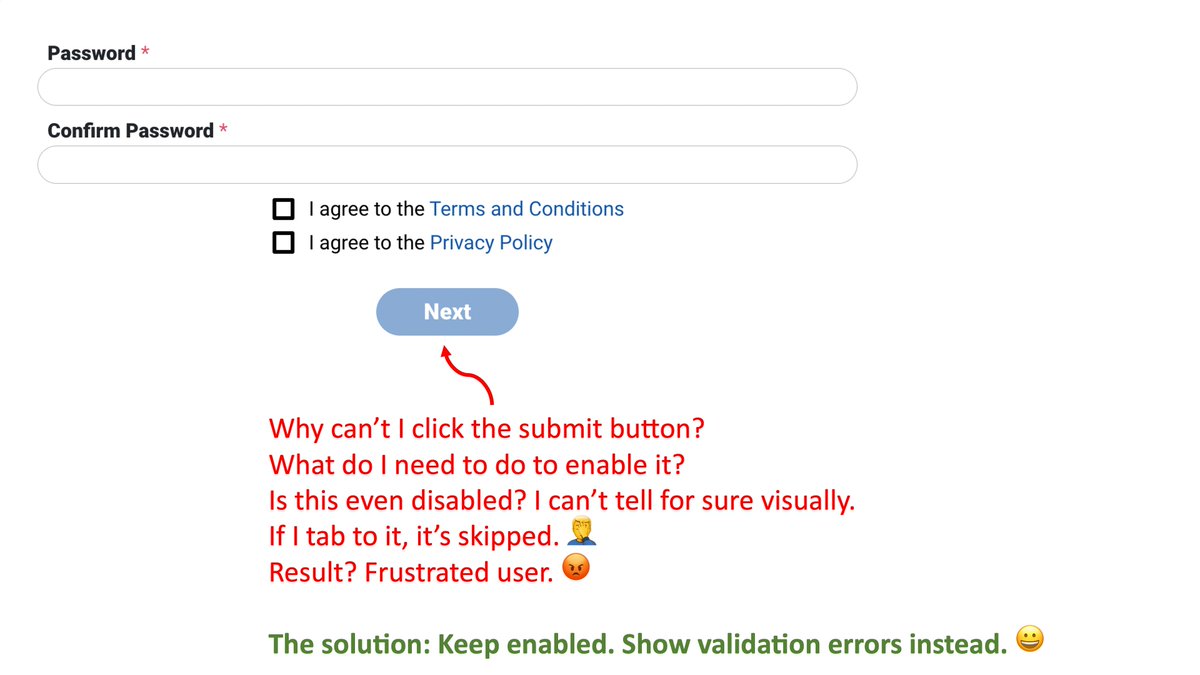
Trick: If design really wants the button to be styled as disabled, then go ahead and style it that way. But, keep the button enabled so the user can get feedback when they click the button. And work with design to provide useful feedback when the button is clicked.